
Websites

Google Stitch generates UI designs from voice prompts in 30 seconds. Learn how the Figma-Stitch-Webflow pipeline accelerates business website builds.

Figma stock dropped eight percent the day Google launched Stitch in March 2026. This massive market shift proves that traditional design timelines are now obsolete. Businesses can generate fully interactive website prototypes in just thirty seconds.
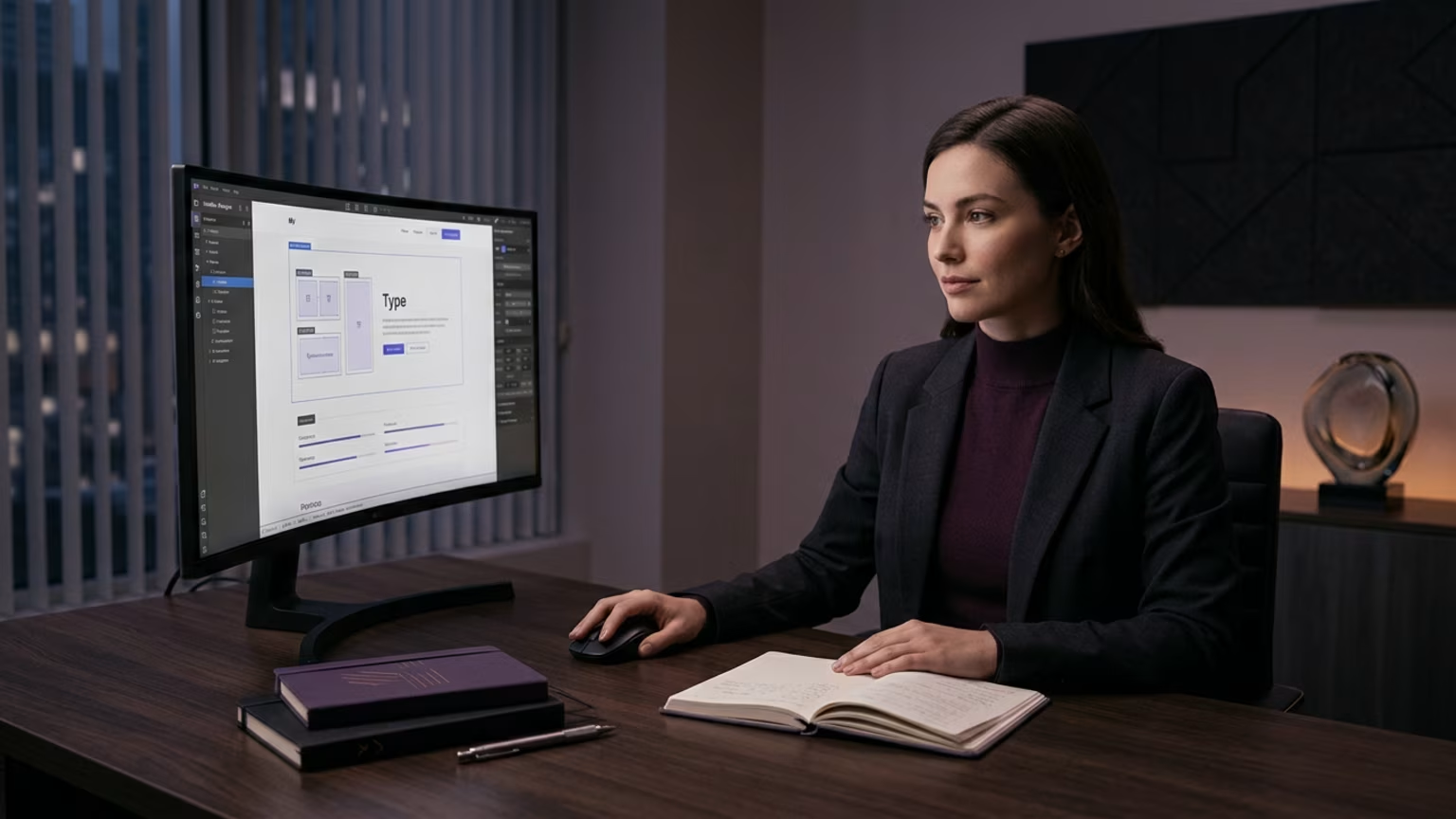
Google Stitch uses voice commands on an infinite canvas to replace expensive design mockups completely. This gives business owners immediate control over their website layouts without coding. You no longer have to wait weeks for static design files.
Business owners waste weeks waiting for static design files from fragmented agencies. Traditional workflows lock you into rigid file formats that cost thousands of dollars to revise. When standard marketing sites take months to launch, you lose potential revenue daily.
Design software historically forced users to manage every pixel manually. This approach requires specialized skills that most business leaders lack entirely. You end up relying on external contractors who rarely understand your immediate business goals.
The UK National Centre for AI reported that Stitch marks a broader shift toward dynamic workflows. Traditional design software fails to keep pace with modern business demands. You need systems that let you act quickly without micromanaging external teams.
Agencies often charge excessive fees for minor website updates. This fragmented approach destroys your marketing momentum and drains your budget. We build websites that get you more leads by cutting out this wasted time.
You can use the new Figma-Stitch-Webflow pipeline to launch pages rapidly. Follow these exact steps to streamline your production and bypass agency delays. This structure gives you the speed of AI generation combined with manual polish.
A company needs a new landing page with a hero video and a contact form. Instead of paying an agency five thousand dollars, the owner opens Stitch. They voice prompt their exact requirements and receive a fully interactive user interface.
The AI regenerates the entire screen layout in thirty seconds. Research from The Summary AI notes that when software generates full interfaces this fast, traditional value propositions vanish. The owner tests three different layouts before lunch.
Using the agent manager, they tweak the mobile and desktop versions side by side. They export the winning DESIGN.md file and port it to Webflow immediately. This cuts the project timeline from three weeks to just four hours.
They bypass agency delays entirely and keep total control over the output. This rapid testing cycle allows them to launch a highly optimized page. Businesses can now allocate their saved budget toward direct advertising instead.
For teams wanting to understand incoming algorithmic changes, fast iterations are a major advantage. You can launch content that aligns with new ranking signals immediately. Speed is your best defense against market shifts.
Google Antigravity serves as the coding agent behind this design system. It connects through the Stitch MCP server to process complex state variations dynamically. This integration handles the technical heavy lifting for both mobile and desktop screens.
You do not need to write code to make the prototype fully interactive. Antigravity translates your voice commands into functional components instantly. This tool makes the entire design pipeline remarkably fast for non-technical users.
Reliance on Google ecosystems could lock users into proprietary servers. Exporting a DESIGN.md file mitigates some of this vendor risk directly. You maintain ownership of your design rules even if you switch tools later.
Those looking to increase their search visibility can use these rapid pages for testing. Quick iteration allows you to launch targeted content without delay. See our monthly plans if you want us to handle this pipeline for you.
Prototype generation time is the exact metric you must track daily. Measure the hours spent from your initial idea to a clickable draft. Your goal is to reduce this window from weeks to mere minutes.
Tracking this metric exposes the hidden financial costs of your current design workflow. Every day spent waiting on a mockup is a day of lost digital sales. Faster generation times directly correlate with cheaper customer acquisition costs overall.
You should monitor your variation testing volume daily as a secondary focus. Count how many different layouts you evaluate before making a final executive decision. Stitch lets you generate twenty options in the time it used to take for one.
High testing volume leads to better conversion rates on your core marketing pages. It removes the guesswork from your digital strategy entirely from day one. You make decisions based on rapid iteration rather than expensive agency opinions.
Many users try to rely entirely on standard text prompts. Google built Stitch to prioritize voice commands and visual context awareness natively. Typing out long instructions limits the true speed of the infinite canvas.
Users who ignore voice features often struggle to communicate complex layout changes. Voice mode allows you to click on an element and simply tell the AI to move it. Relying strictly on text creates unnecessary bottlenecks in your process.
Another error is treating Stitch outputs as final products. You still need human oversight to finalize the deployment in Webflow. Treating rough AI mockups as completely finished pages will hurt your conversion rates.
Some businesses make the mistake of firing their entire design staff immediately. The fresh launch of Stitch means it has unproven scalability for complex enterprise sites. You should use the tool to automate eighty percent of the manual work.
Keep human editors to handle the final twenty percent and technical edge cases. This hybrid approach protects your brand quality and maximizes rapid production speed. Smart teams use AI to scale output without sacrificing their high standards.
The eight percent stock drop at Figma signaled a permanent change in how businesses build their online presence. You no longer have to wait weeks for static design files. When you can generate interactive prototypes in thirty seconds, the power shifts back to the business owner.

No guesswork, no back-and-forth. Just one team managing your website, content, and social. Built to bring in traffic and results.


